
Creating new apps
To set up a new app in the Wized configurator, follow these steps: 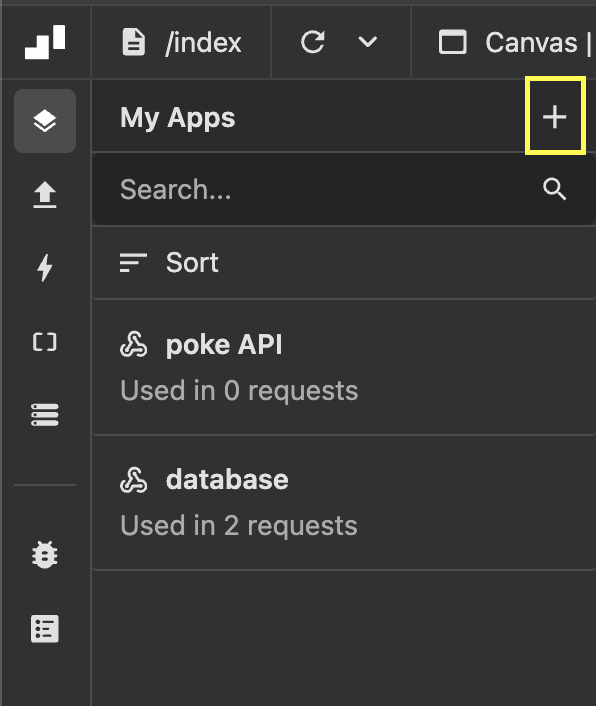
Access the apps panel: Click on the apps icon on the left sidebar.
Click on
+icon at the top right of the apps panel. Then, the right app settings panel will openSetting up the app:
- Name: Provide a clear and descriptive name for your app to ensure easy identification.
- App: In this dropdown, you can see the native integrations that Wized has, or the
RESToption which you should choose if you want to integrate any other Web service.
What to do based on your app type?
Supabase
Supabase is a native integration, so you only need to add the URL and key it's that simple! If you're unsure how to get these values, this video will guide you through the process
Firebase
Firebase is a native integration, so you only need to add the Project ID, app ID, API Key it's that simple! If you're unsure how to get these values, this video will guide you through the process
Memberstack
Memberstack is a native integration, so you only need to add the Public Key it's that simple!
Airtable
Airtable is a native integration, so you only need to click on Connect Airtable it's that simple! 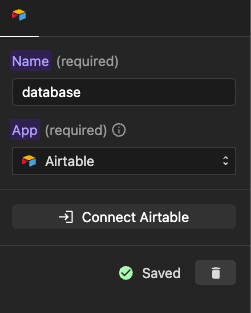
WordPress
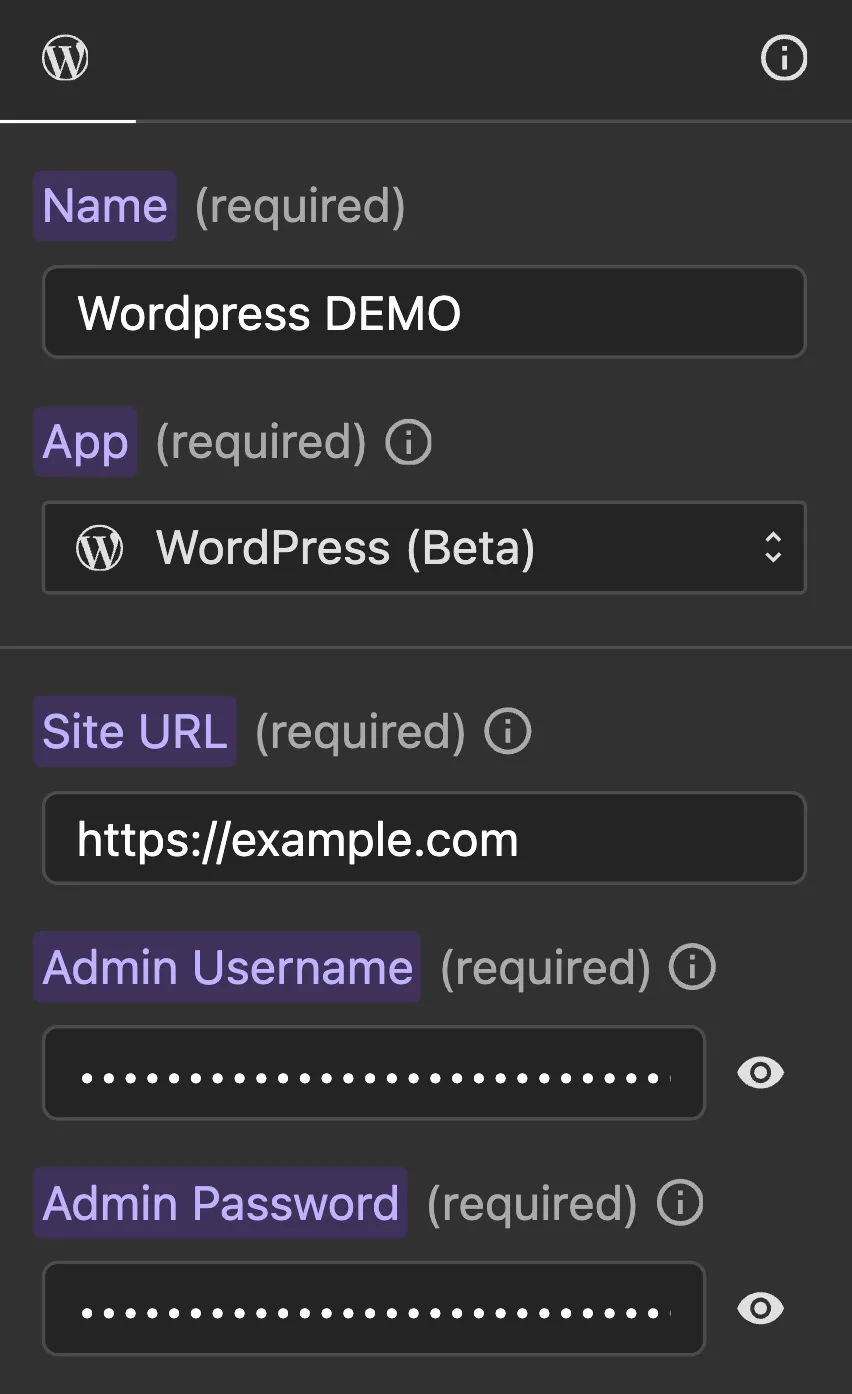
WordPress is a native integration. You need to add the Site URL of your WordPress installation.
To authenticate Wized with your WordPress site, provide your WordPress Admin Username or Email and Admin Password as secrets. These credentials are securely stored and only used server-side when calling WordPress API endpoints.
Recommendation
We recommend creating a separate WordPress admin account dedicated to Wized, rather than using your personal admin credentials.
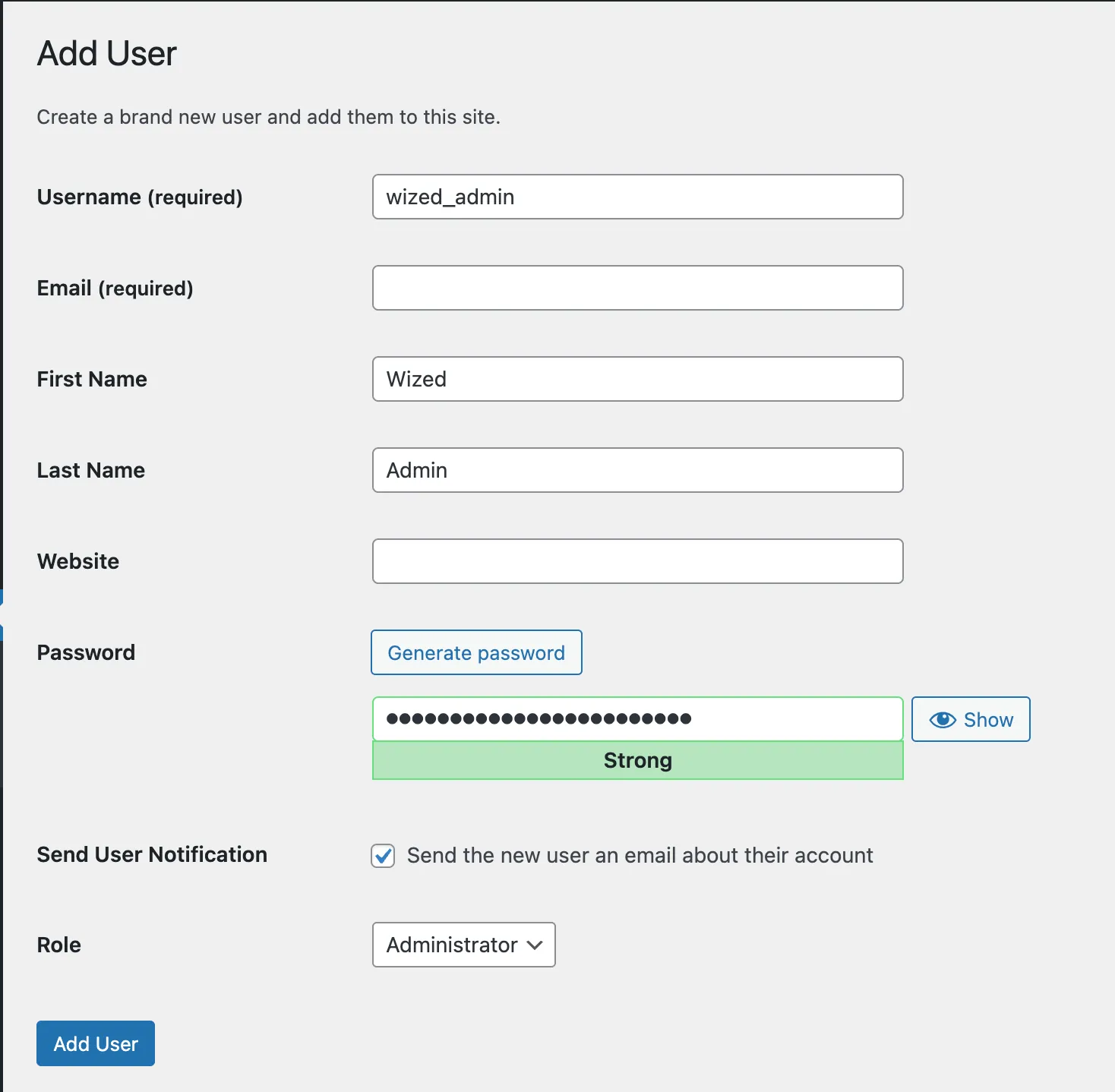
For more details on WordPress request methods, see the WordPress requests documentation.
REST integration
Specify the base URL of the API you are integrating. 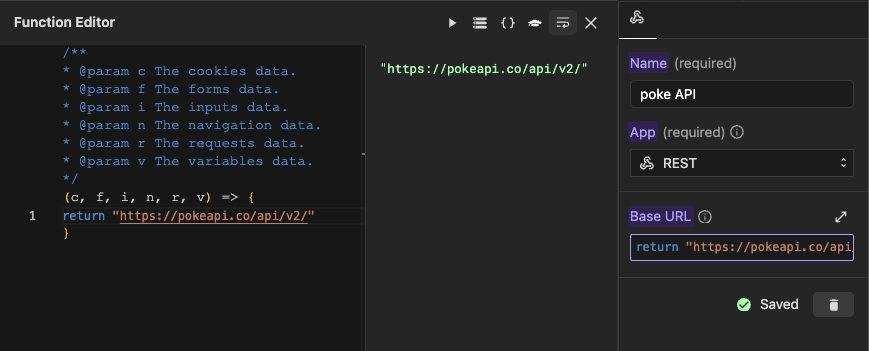
Setup Default Headers (Optional)
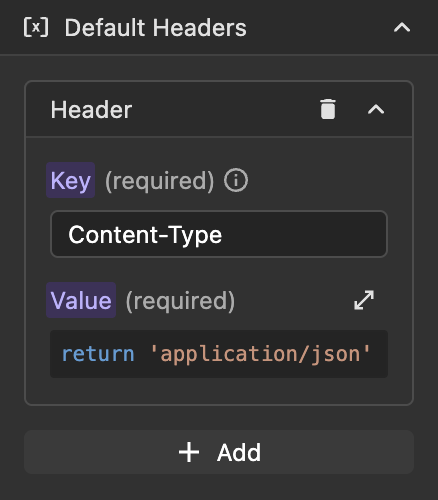
Default headers allow you to configure headers at the REST app level that will be automatically included in all requests using that app. This feature simplifies the management of common headers like authentication tokens, content types, and API keys across multiple requests.
Default App headers are used to avoid repeating same headers for every request, and they can be overridden by app request.
Note
- For this example, we are using this public API
- Be sure to put only the base URL, you should not add the endpoint.