
Team Members
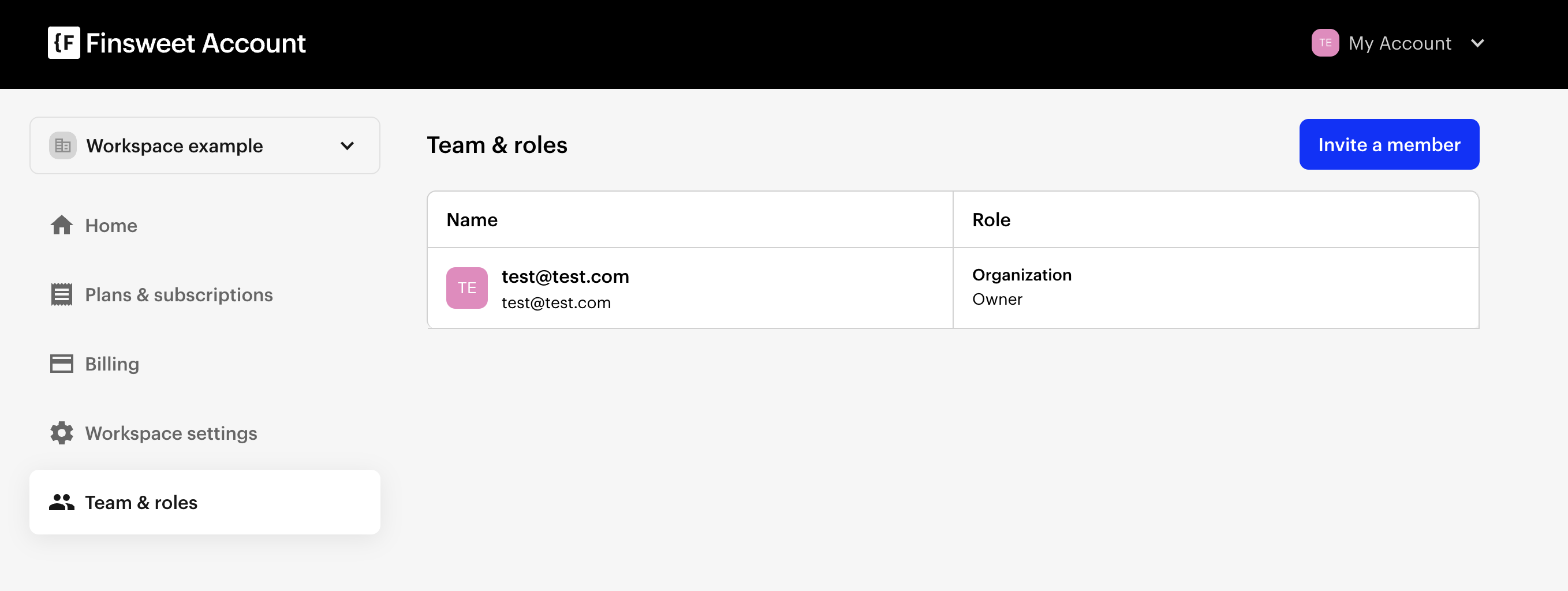
You can see the team members and manage by clicking on Team & Roles inside Finsweet Account dashboard page.
Inviting Member
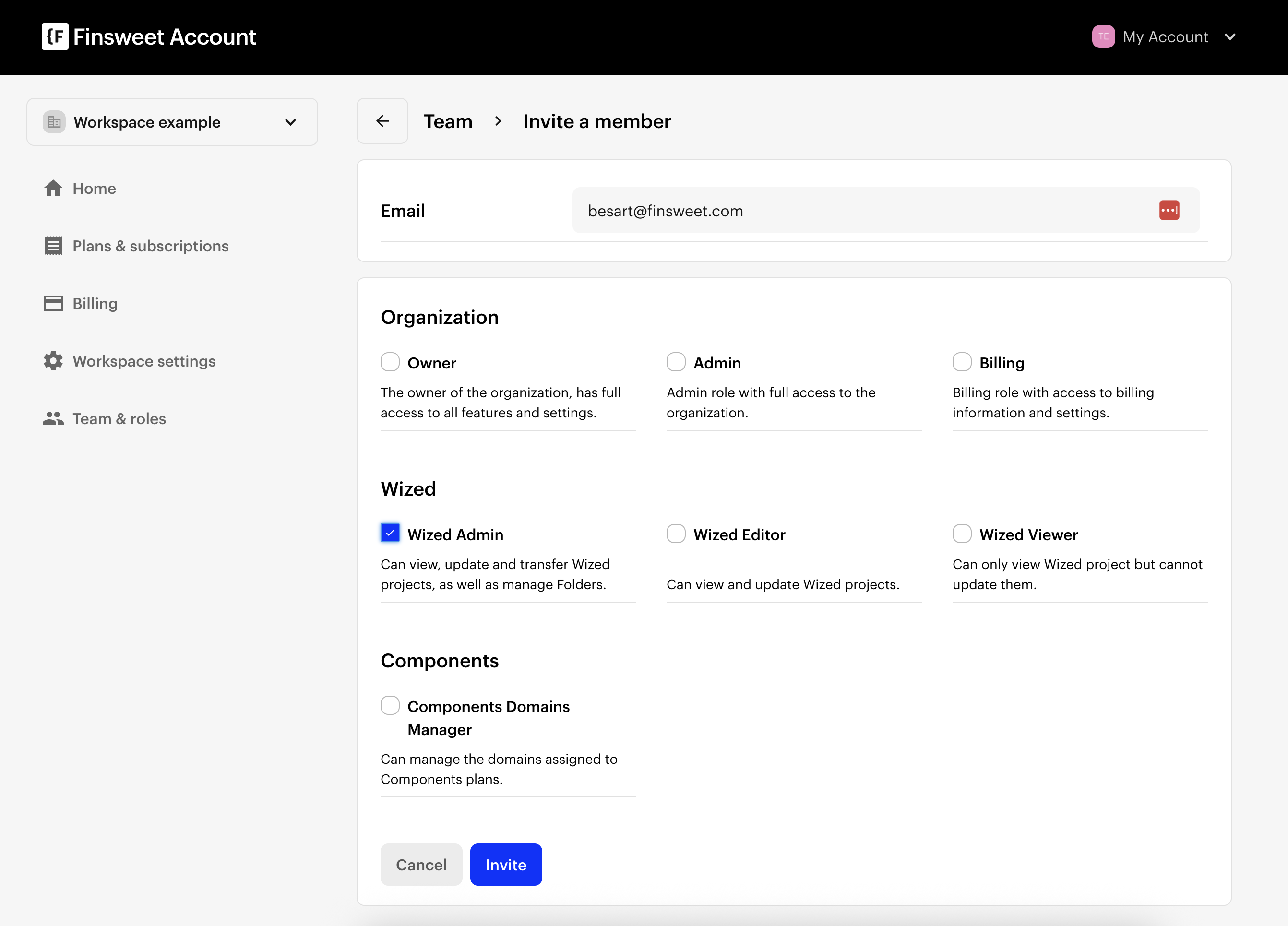
You can invite a team member by clicking Invite Button. You need to write user email and select roles.
Roles
Organization Roles
Owner
The owner of the organization has full access to all features and settings.Admin
Admin role with full access to the organization.Billing
Billing role with access to billing information and settings.
Wized Roles
Wized Admin
Can view, update and transfer Wized projects, as well as manage Folders.Wized Editor
Can view and update Wized projects.Wized Viewer
Can only view Wized projects but cannot update them.