Project Folders
Organize your projects into folders and control access for specific Workspace members.
Creating a Folder
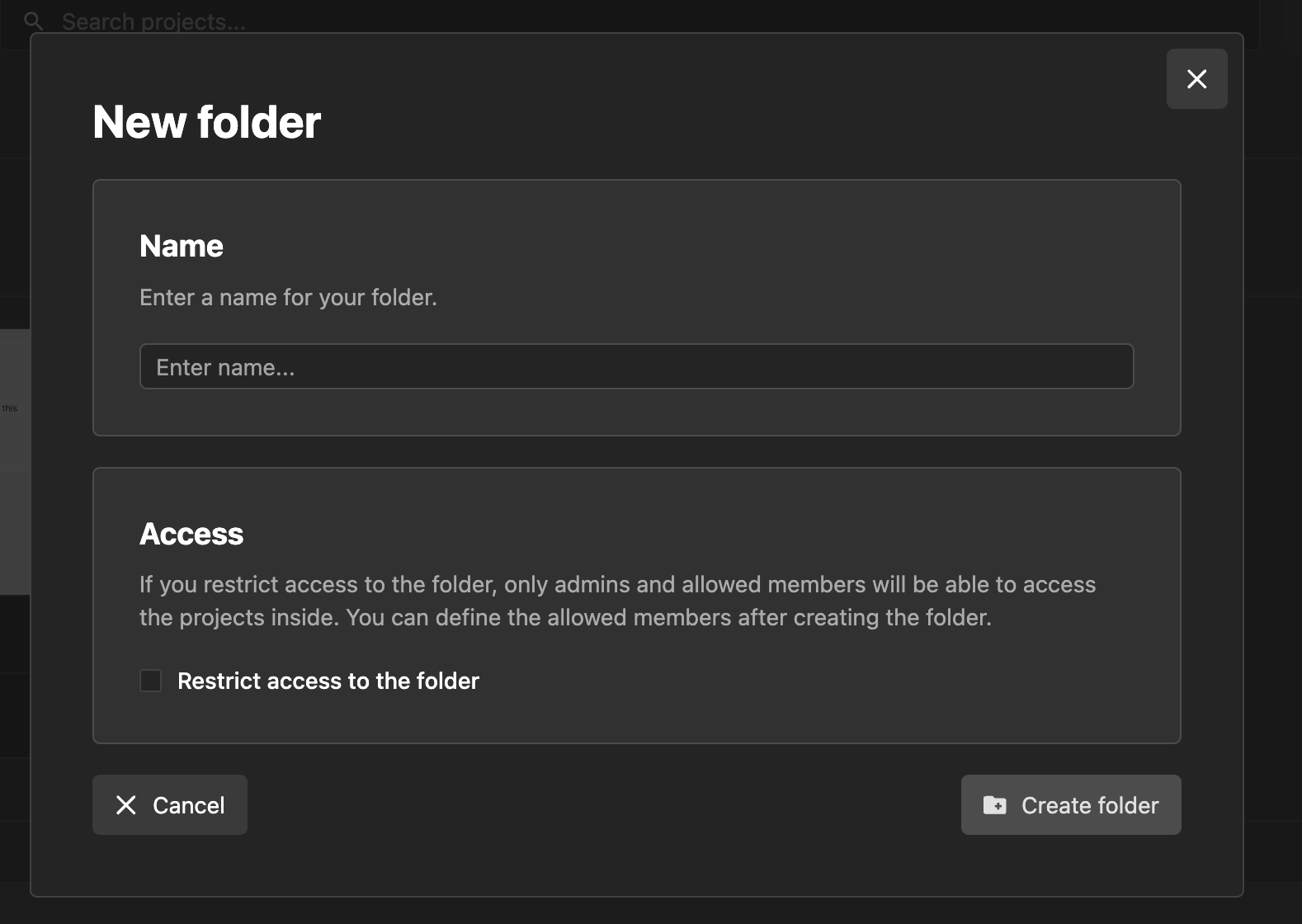
To create a folder, click "Create Folder" in the top-right corner of the Wized dashboard.

A popup will appear where you can name the folder and choose whether it is restricted or accessible to all Workspace members.
Viewing Folders
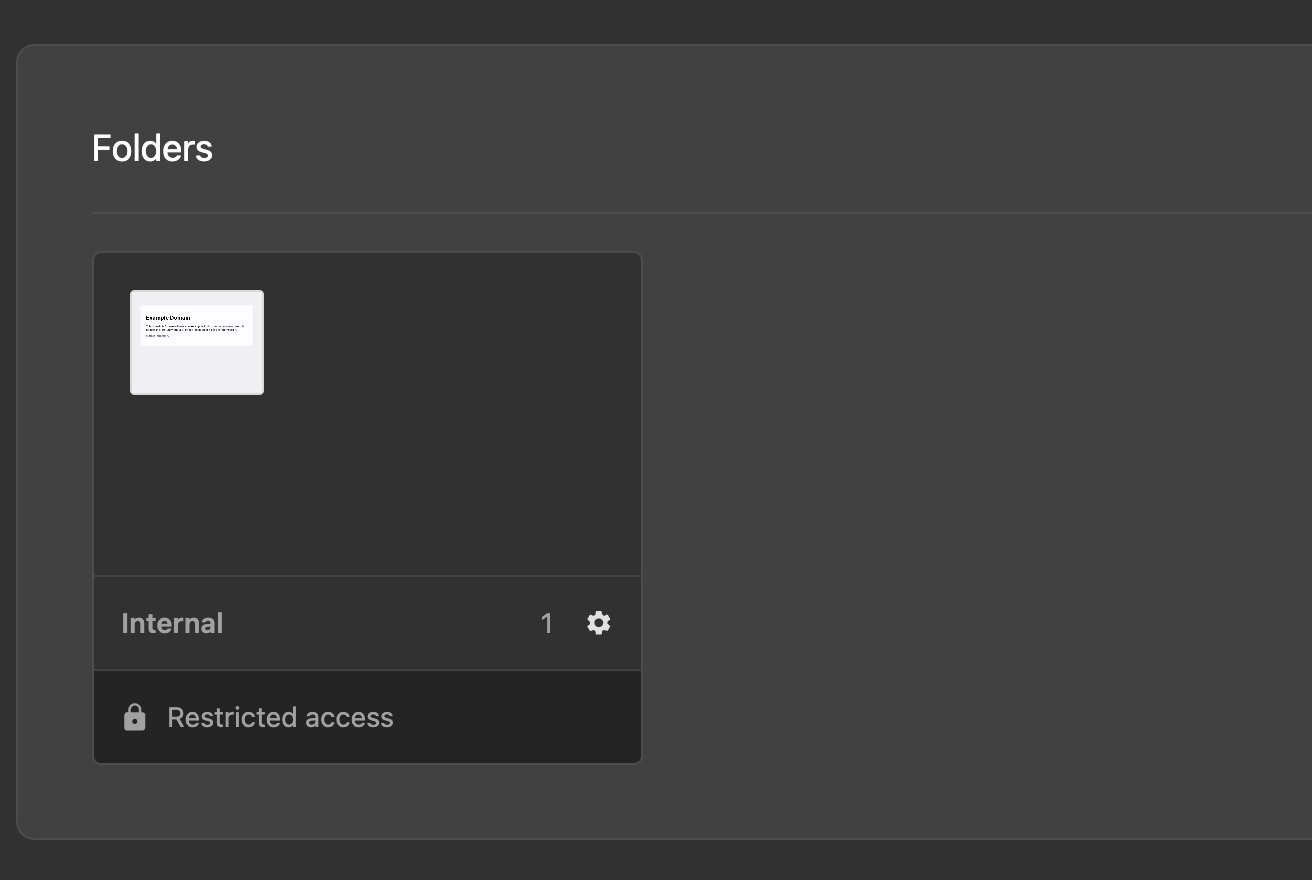
Access the list of folders in the Folders section of the dashboard.
Moving a Project to a Folder
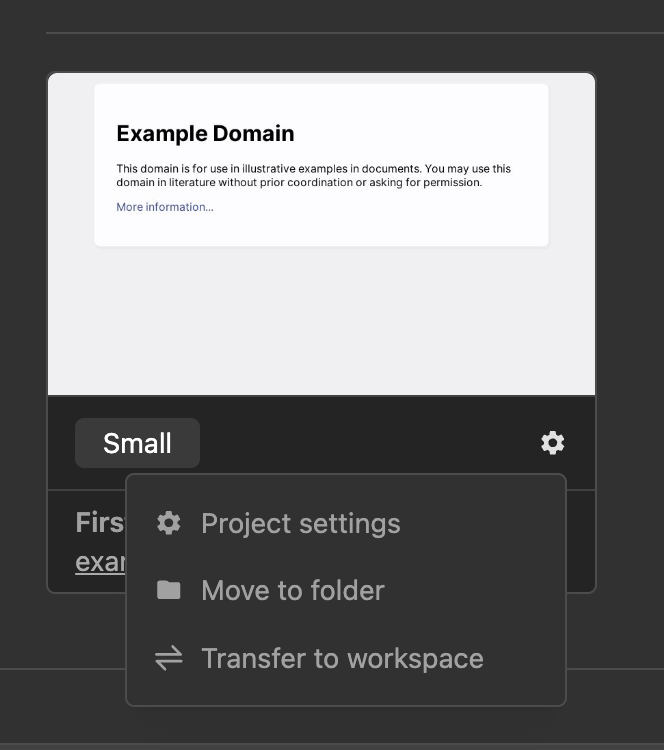
To move a project to a folder, select "Move to Folder" from the project settings dropdown.
Edit, Delete or Restrict Folder Access
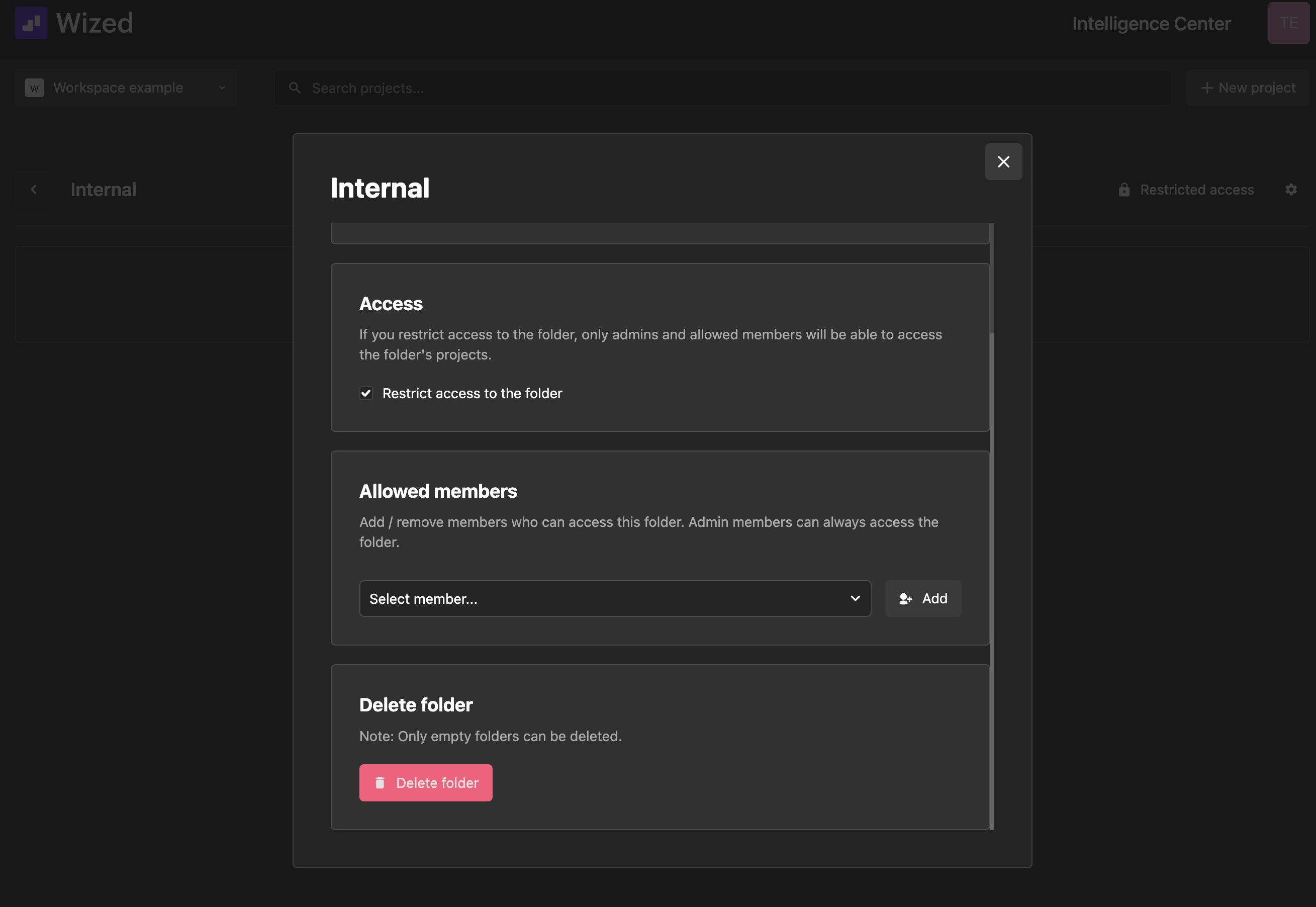
To edit or restrict folder access to specific members you need to click the settings icon when on the top-right corner when opening a folder.
If you restrict access to the folder, only admins and allowed members will be able to access the folder's projects.