
Workflow Data
Workflow data is saved during execution in the Data Store, including the results of the nodes.
Example of workflow data: 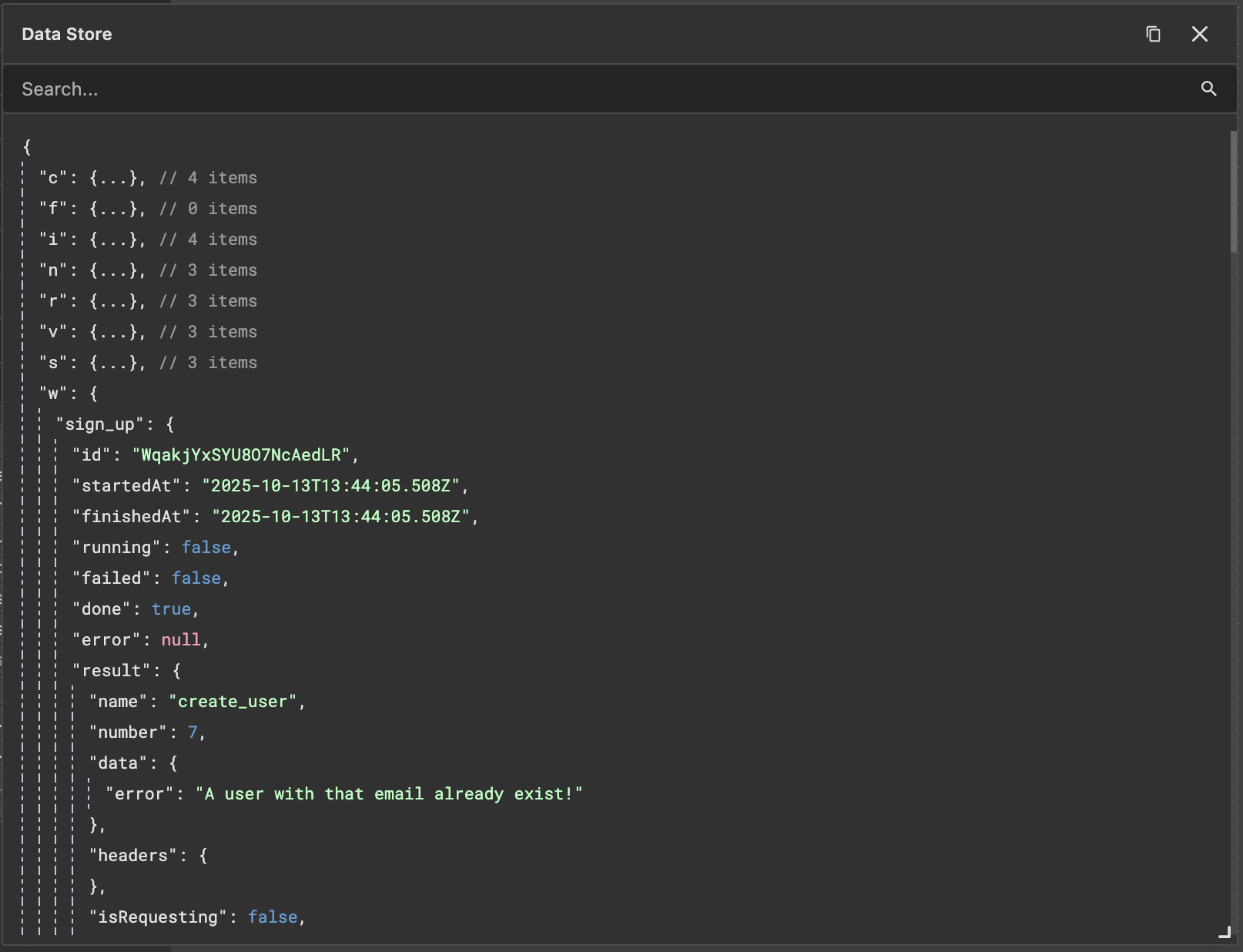
Workflow data can also be accessed outside workflows, such as for displaying progress bars or statuses.
Node Data
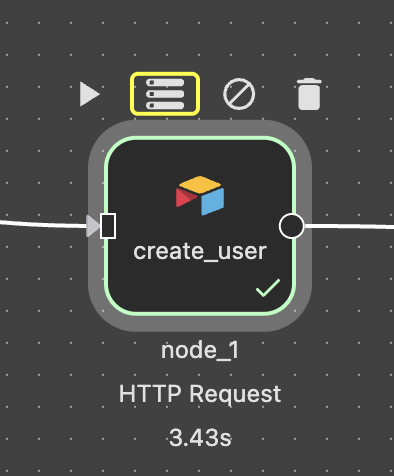
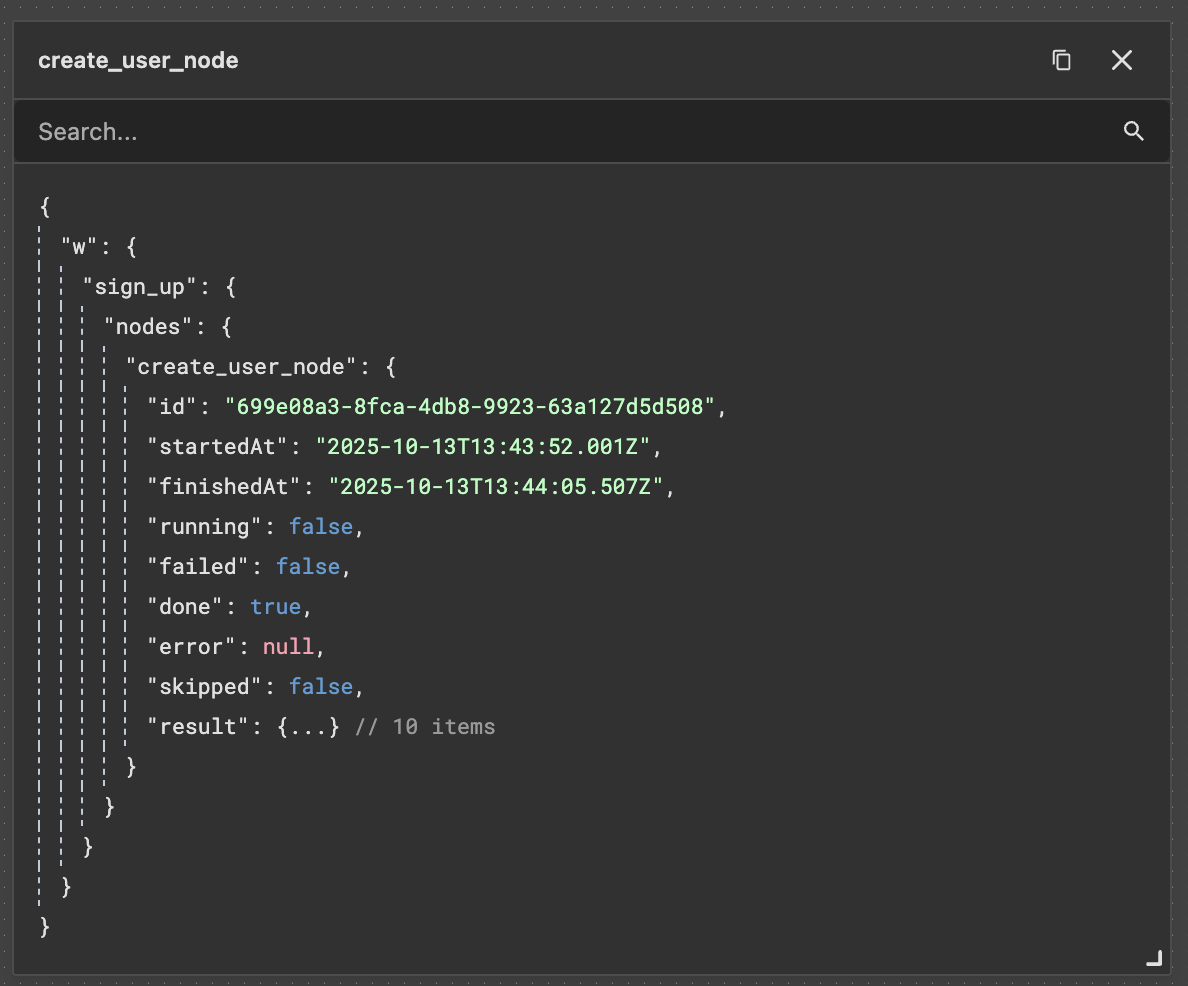
To view specific node data, click the Data Store Button.
- This will display the execution data for the node.
Accessing Data from Previous Nodes
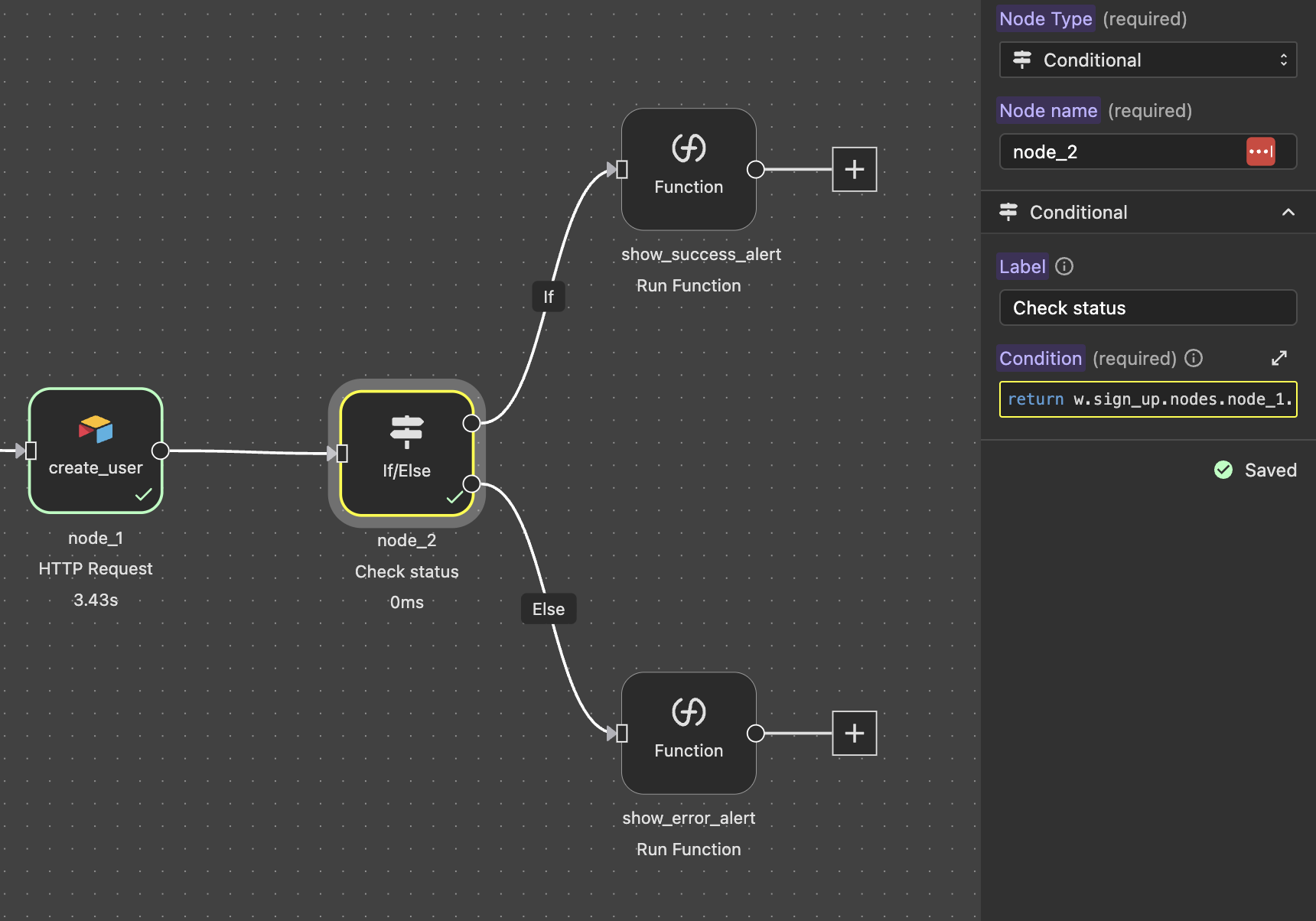
Specific node data can be accessed in subsequent nodes, often in conditional logic.
Example:
In this example, the ok status from node_1 is accessed to display a success or error alert: return w.sign_up.nodes.node_1.result.ok
Node Naming
Each node is assigned a default name, but it's recommended to rename nodes manually. This makes it easier to reference their data later.
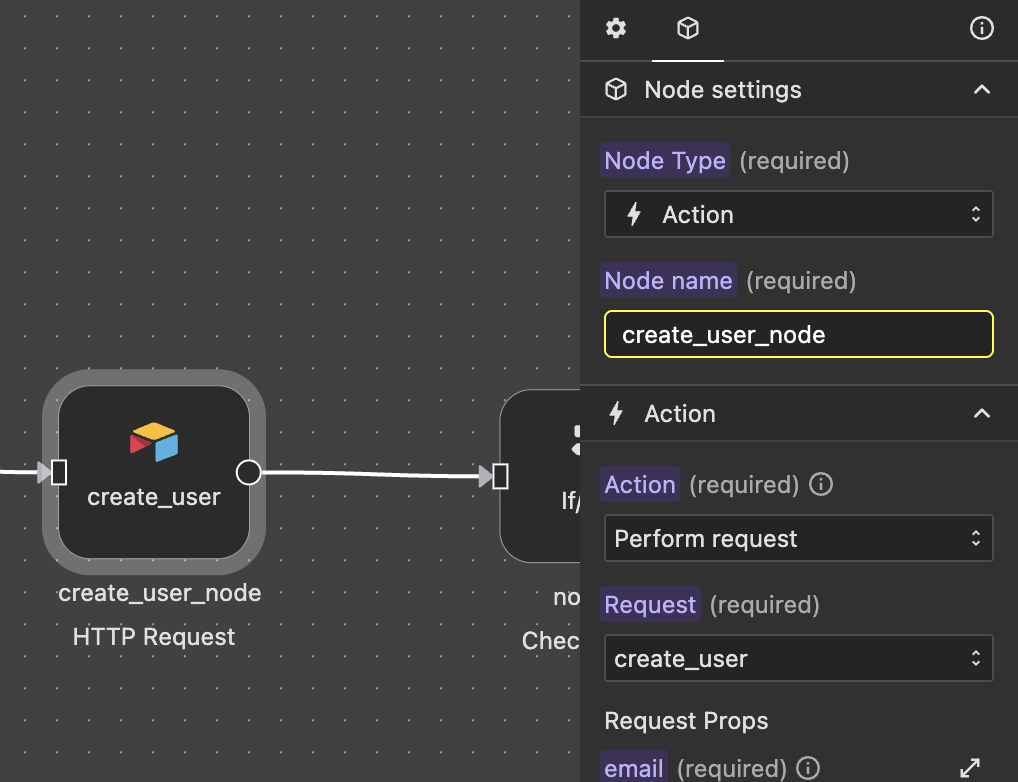
For example, instead of accessing the ok status like this: return w.sign_up.nodes.node_1.result.ok
You can use a more descriptive name: return w.sign_up.nodes.create_user_node.result.ok