Integration
Prerequisites
Before you begin, make sure you have:
- A WordPress website with admin access
- A Wized account
- Access to your WordPress theme files or a plugin that allows adding custom scripts
Creating a Wized Project
From the Wized dashboard, click New Project in the top right corner.
Paste the staging domain of your WordPress site.
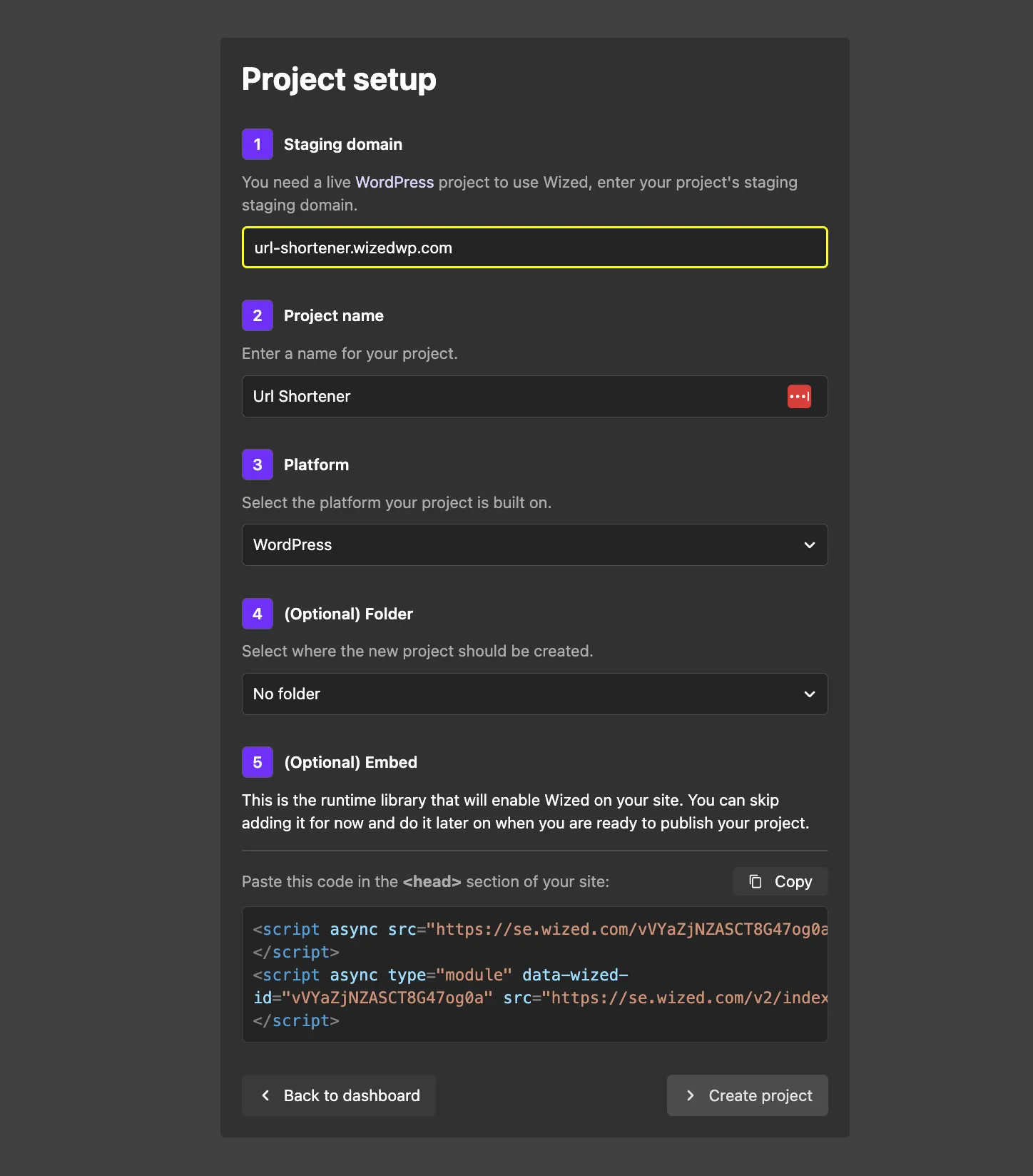
The name and platform will be automatically detected. You can change the name if needed. If the system fails to detect the platform, select WordPress manually.
Copy the generated code at the bottom to add to your WordPress site. This step is optional for testing and can be done later.
To add custom code, you can either edit your theme files directly or use a plugin like Elementor to manage custom scripts.
Using Elementor to Integrate Wized
Go to your WordPress admin dashboard.
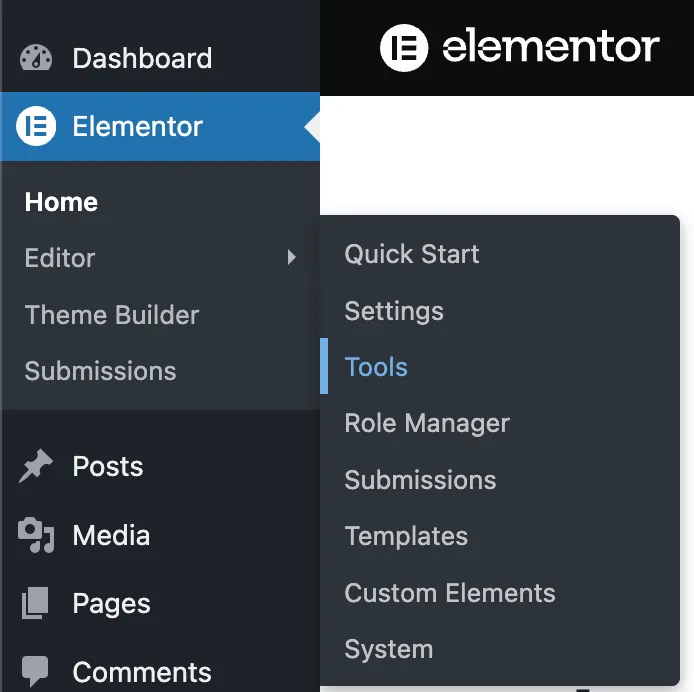
In the left sidebar, click Elementor.
Hover over Editor, then click Tools.
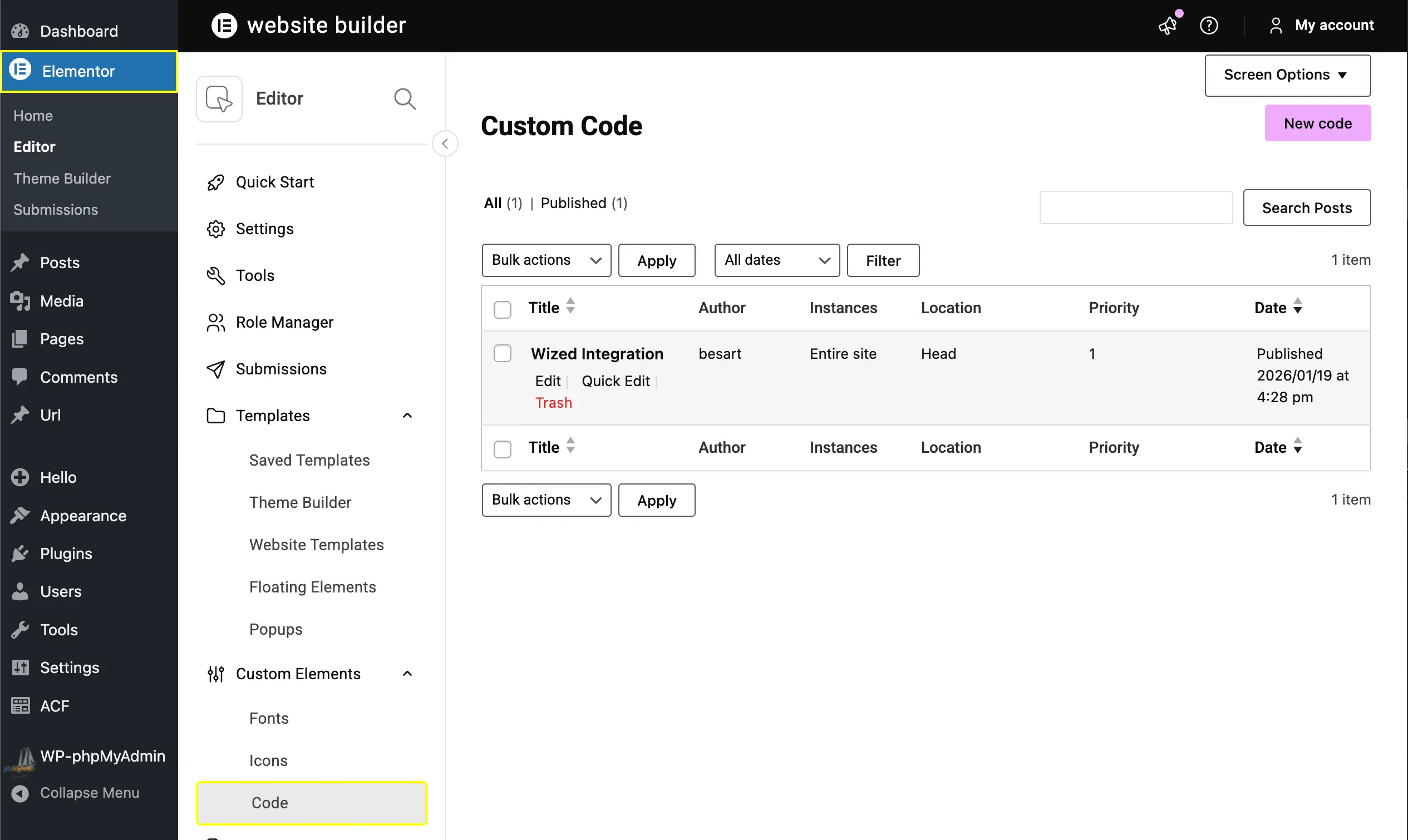
In the Elementor left panel, click Code.
In the top right corner, click Add New.
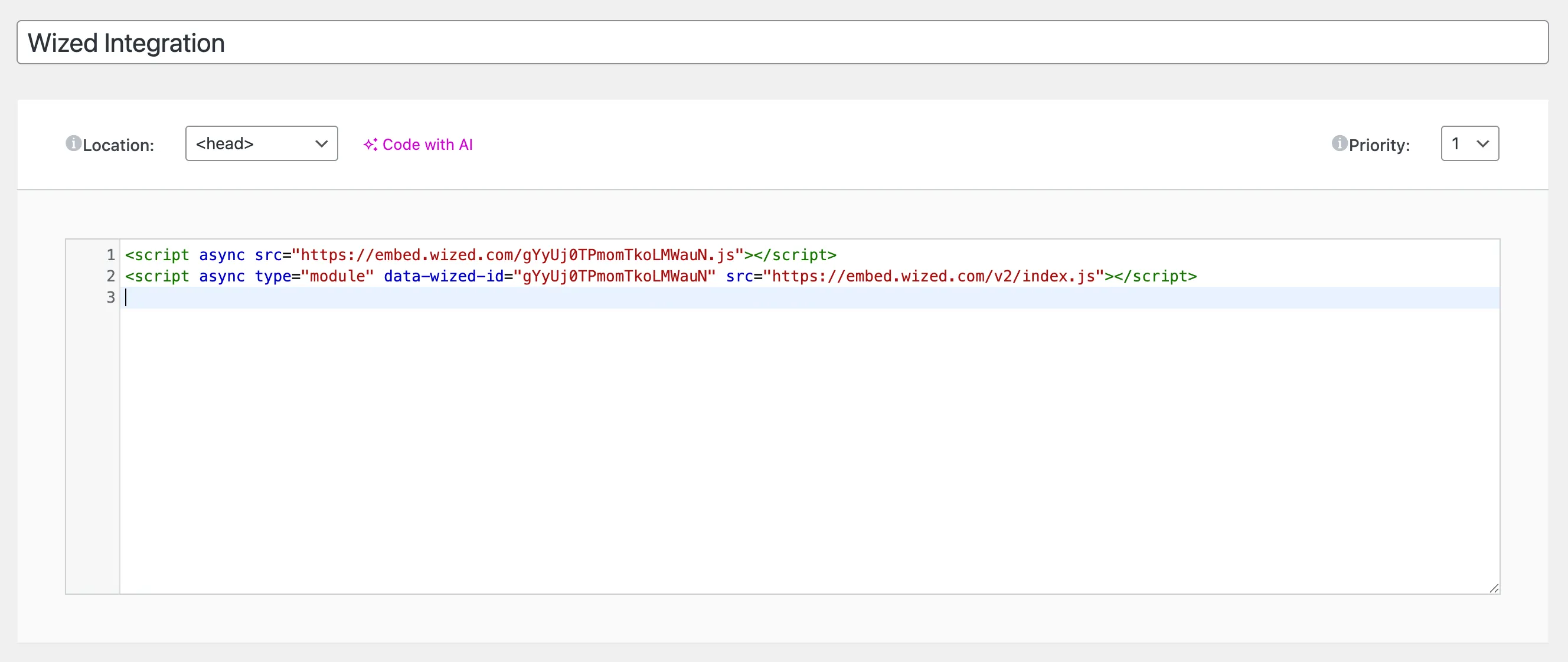
Paste the Wized script, enter a name for it, and set the location to Head with priority 1.