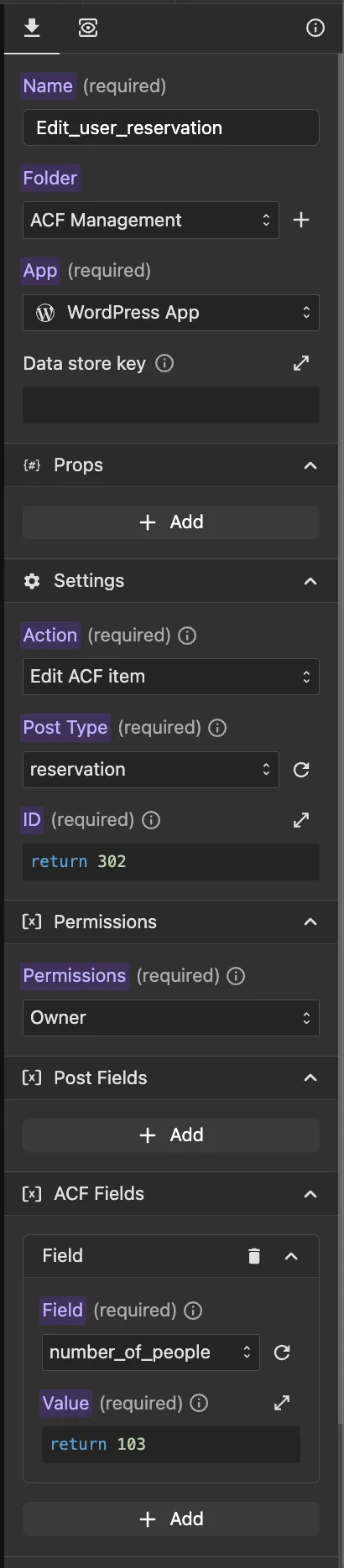
Update Post method
With the "Update item" method, you can update an existing post item. When selecting a post type, you can choose between:
- Post — a standard WordPress post with native fields only
- Post with ACF — a post that includes both standard WordPress fields and ACF (Advanced Custom Fields) fields
Main Parameters
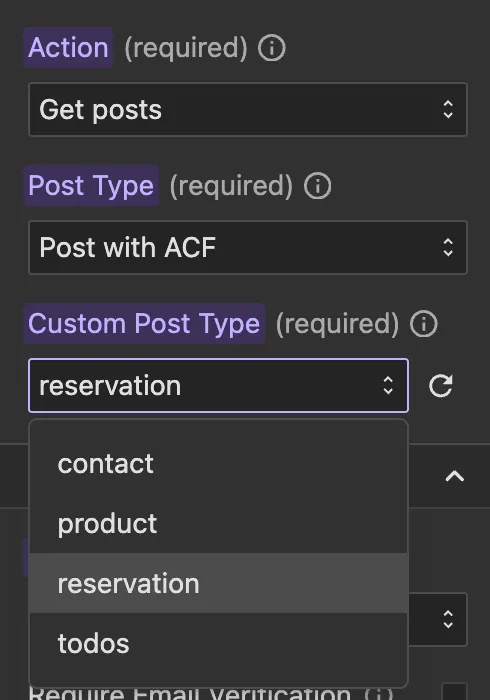
- Post Type: This is a required dropdown field where you can choose between:
- Post — updates a standard WordPress post with native fields only
- Post with ACF — when selected, a second dropdown will appear listing all custom post types that have ACF fields configured. Select the desired custom post type from that dropdown.
- Post Type ID: This is a required function field where you can return the ID of the item you want to update.
Permissions
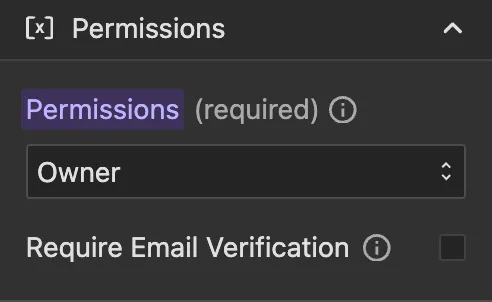
You can select who can edit the data. By default, Owner is selected, this means only the user who created a post can edit it, which is the recommended setting in most cases.
You can select from:
- Owner: Only the user who created the post can edit it (default, recommended)
- Allow Any: Any user can edit the data
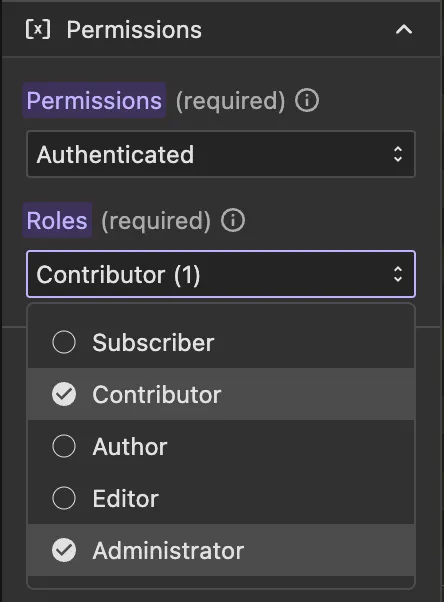
- Authenticated: Any authenticated user can edit the data
- Subscriber: Users with at least "Subscriber" role can edit the data
- Contributor: Users with at least "Contributor" role can edit the data
- Author: Users with at least "Author" role can edit the data
- Editor: Users with at least "Editor" role can edit the data
- Administrator: Only users with "Administrator" role can edit the data
Post
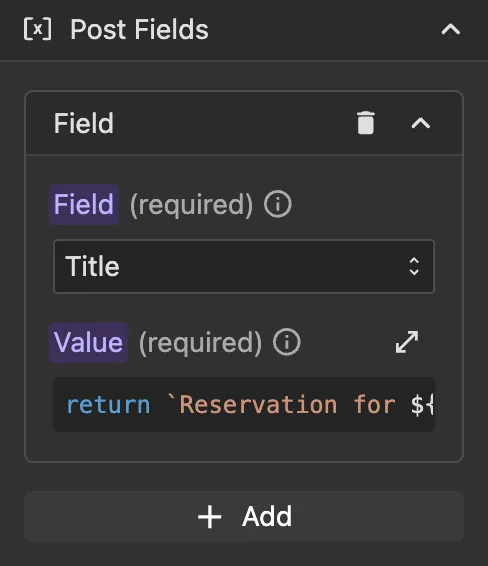
When you select a standard post type, the standard WordPress post fields will be listed as function fields, where you can specify the new value for each one.
Post Fields
Common fields include:
- Title: The post title
- Content: The post content
- Excerpt: A short summary of the post
- Status: The post status (e.g.
publish,draft). Note: Items are automatically saved asprivate. Use with caution only if you understand the permission implications, as retrieval, editing, and deletion are managed through the admin account and permissions you've configured.
Post with ACF
When you select a post type that has ACF (Advanced Custom Fields) configured, both the standard WordPress post fields and the ACF fields will be listed as function fields in a single unified view.
Post Fields
The same standard WordPress post fields are available:
- Title: The post title
- Content: The post content
- Excerpt: A short summary of the post
- Status: The post status (e.g.
publish,draft). Note: Items are automatically saved asprivate. Use with caution only if you understand the permission implications, as retrieval, editing, and deletion are managed through the admin account and permissions you've configured.
ACF Fields
All ACF fields configured for this post type will appear below the standard fields as function fields, where you can specify the new value for each one.